Bulk retouching · Wedding edition
Retouch the whole weddingbefore the last dance.
Drop in hundreds of frames. Veil balances skin, light and colour in one pass — and never redraws a face. The couple you photographed is the couple they get back.
- 2
- Retouch modes
- 9
- Pro controls
- 0
- Redrawn faces
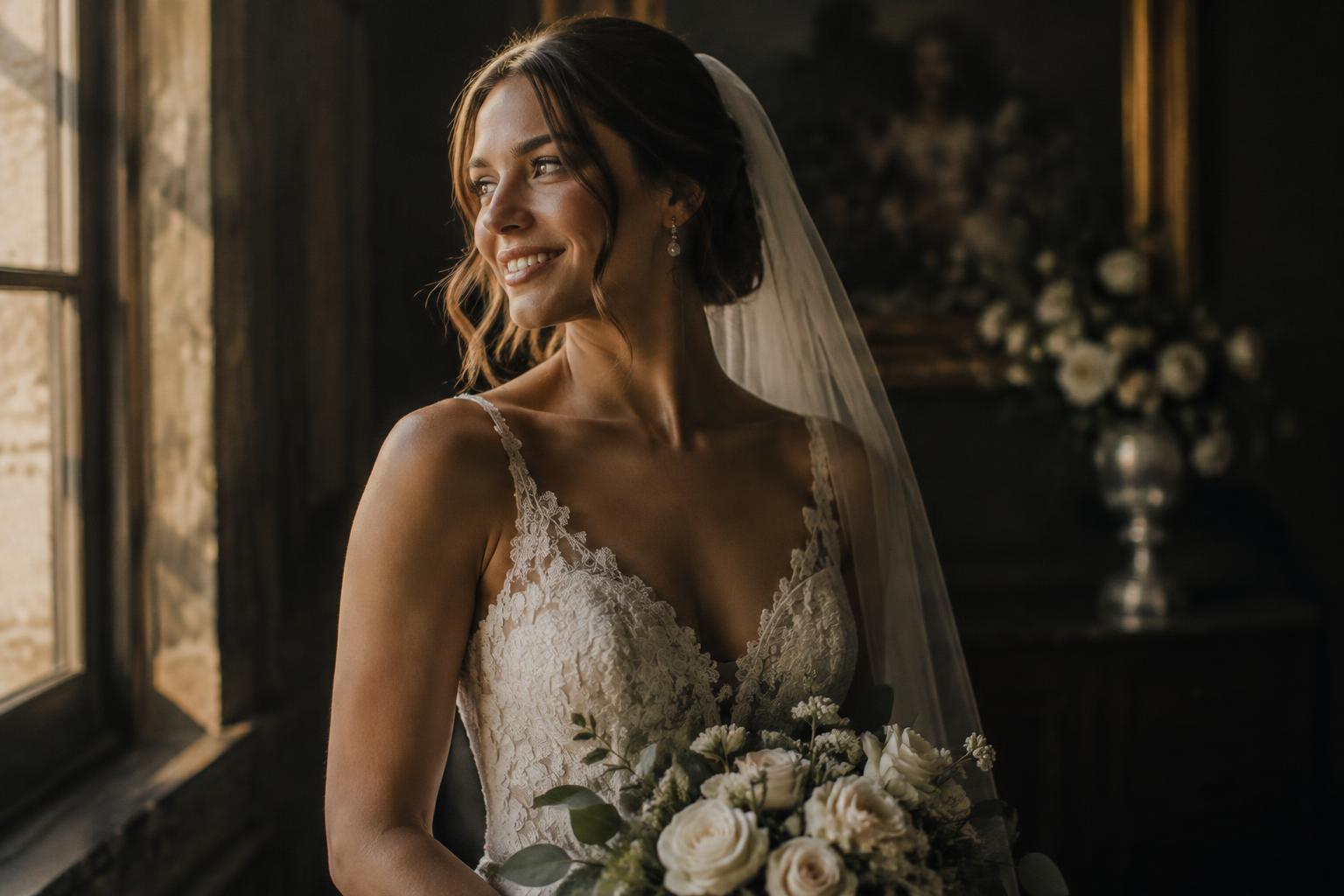 BeforeAfter
Drag the handle to compare · Sample illustration
Two ways to retouch
Pick the finish for each batch.
Normal
Fast, natural, on-device
Runs entirely on your computer. Great for the full gallery — getting ready, ceremony, reception, dance floor.
- Skin tone balancing
- Exposure correction
- Light smoothing
- Blemish softening
Premium
High-end studio retouch
Studio-grade finishing for portraits and album hero shots, with an automatic identity check on every frame.
- Dodge & burn
- Blemish reduction
- Teeth whitening
- Eye clarity
- Background cleanup
The identity promise
Real people. Real skin. No plastic.
Wedding photos are heirlooms. Veil is built so the grandmother in row three still looks exactly like herself.
Detail lock
Original pores, lashes, lace and hair are carried back into every result, so skin keeps its texture.
Identity check
Premium results are compared with the original. If anything drifts, the natural retouch is delivered instead and flagged for review.
No reshaping
No slimming, no face reshaping, no changing skin colour. Moles, freckles and scars stay.
Texture control
Dial in exactly how much natural texture to keep — from documentary to editorial.
Workflow
From card to client in four steps.
- 01
Drop the gallery
Drag hundreds of JPEGs straight from your export folder.
- 02
Set the look
Choose a mode and preset, fine-tune smoothing, warmth and texture.
- 03
Review
Inspect each frame with the before & after slider.
- 04
Deliver
Download one, a selection, or the whole batch as a ZIP.